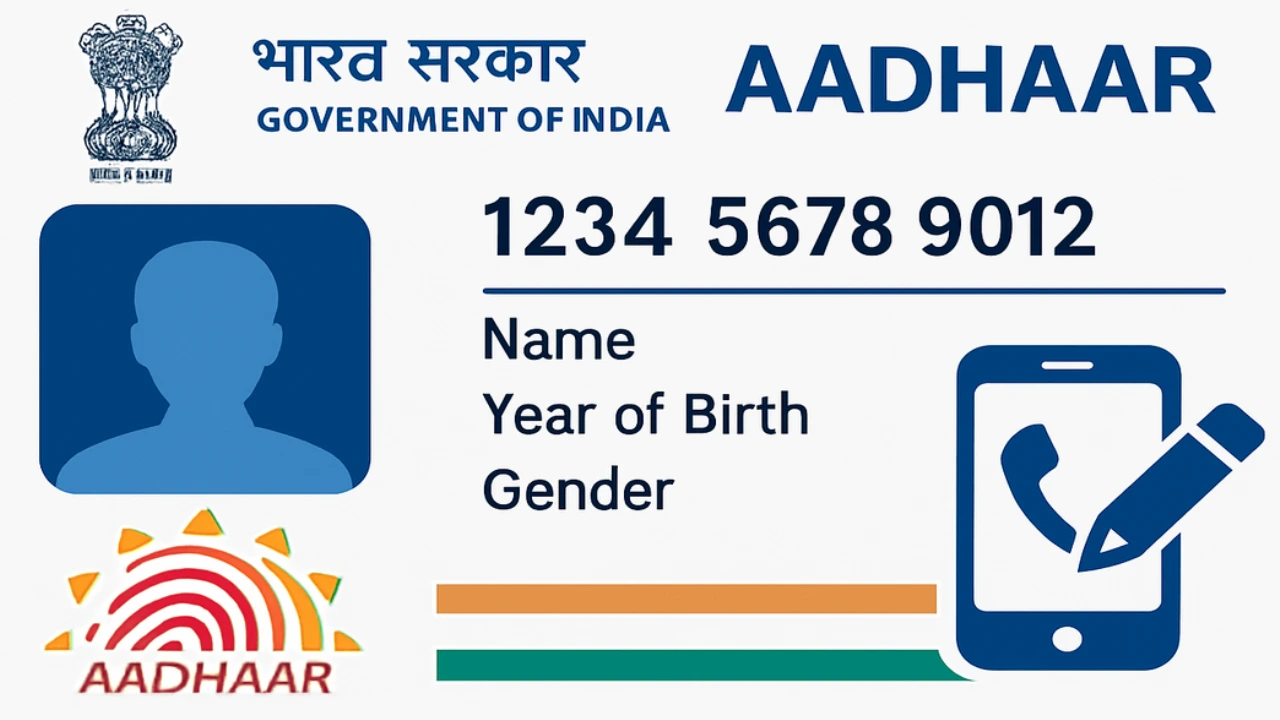
If your Aadhaar-linked mobile number is outdated or you’ve switched phones, updating this detail is essential for hassle-free access to government services, OTP-based logins, and digital payments. Learn How to Change Aadhaar Card Mobile Number in this article.
Why Update Your Aadhaar Mobile Number?
-
Receive OTPs for online transactions, UPI, and authentication.
-
Access government schemes & subsidies linked with Aadhaar.
-
Secure your identity and prevent unauthorized access.
-
Enable password reset and DigiLocker access.
Current Methods to Change Phone Number in Aadhaar (2025)
1. At Aadhaar Seva Kendra or Enrollment Center (Offline Method)
This is the official and most reliable way:
-
Locate the nearest Aadhaar Seva Kendra via the official UIDAI website.
-
Book an appointment online (optional but recommended for faster service).
-
Visit the center with your Aadhaar card.
-
Fill out the Aadhaar Update/Correction Form—mention your new mobile number.
-
Biometric authentication (fingerprint/iris scan) will be done.
-
Pay the fee (currently ₹50).
-
You’ll get an acknowledgment slip with an Update Request Number (URN) to track status.
-
The new number is generally updated within 30 days.
No additional documents are required—just carry your Aadhaar card.
2. Via India Post Payment Bank / Postman Service (Doorstep Update)
UIDAI and India Post have partnered for doorstep updates in select areas:
-
Visit the India Post Payment Bank website or download the PostInfo app.
-
Request Aadhaar mobile number update by submitting your name, address, email, and Aadhaar details.
-
An India Post agent/postman visits your home for biometric authentication.
-
Pay the service fee (about ₹50).
-
Your new number is updated—often within 24 hours.
Booking Your Aadhaar Update Appointment Online
To speed up your visit, you can schedule an appointment:
-
Go to the UIDAI official website.
-
Select “Book an Appointment” under “My Aadhaar.”
-
Enter your city or location, mobile number, and captcha to generate OTP.
-
Choose “Mobile Number Update”, select time/date, and confirm.
Process Fees & Timelines
-
Update Fee: ₹50 (may vary slightly by method or location)
-
Time Taken: Usually up to 30 days (often quicker for the doorstep method)
Read Also-Struggling With Junk in Gmail? Bulk Delete Emails in Gmail Fast
Frequently Asked Questions (FAQs)
Q1: Can I change my Aadhaar mobile number online from home?
A: No, as of 2025, online/mobile number update is not available from home; you must visit a center or use India Post’s doorstep service.
Q2: Is any document required?
A: No supporting documents are required. Just your Aadhaar card and presence for biometric verification.
Q3: Can I change the number without OTP on my old phone?
A: Yes. You don’t need to receive OTP on the old number for in-person or doorstep updates.
Q4: Can I check status of my update?
A: Yes, use your URN (given during the update) to track the status on the UIDAI website.
Q5: How many times can I update my mobile number?
A: There’s no official limit, but frequent changes may be scrutinized.
Q6: How long does it take to update?
A: Up to 30 days, usually much faster.
2 thoughts on “How to Change Aadhaar Card Mobile Number in 2025: Step-by-Step Guide”